Team
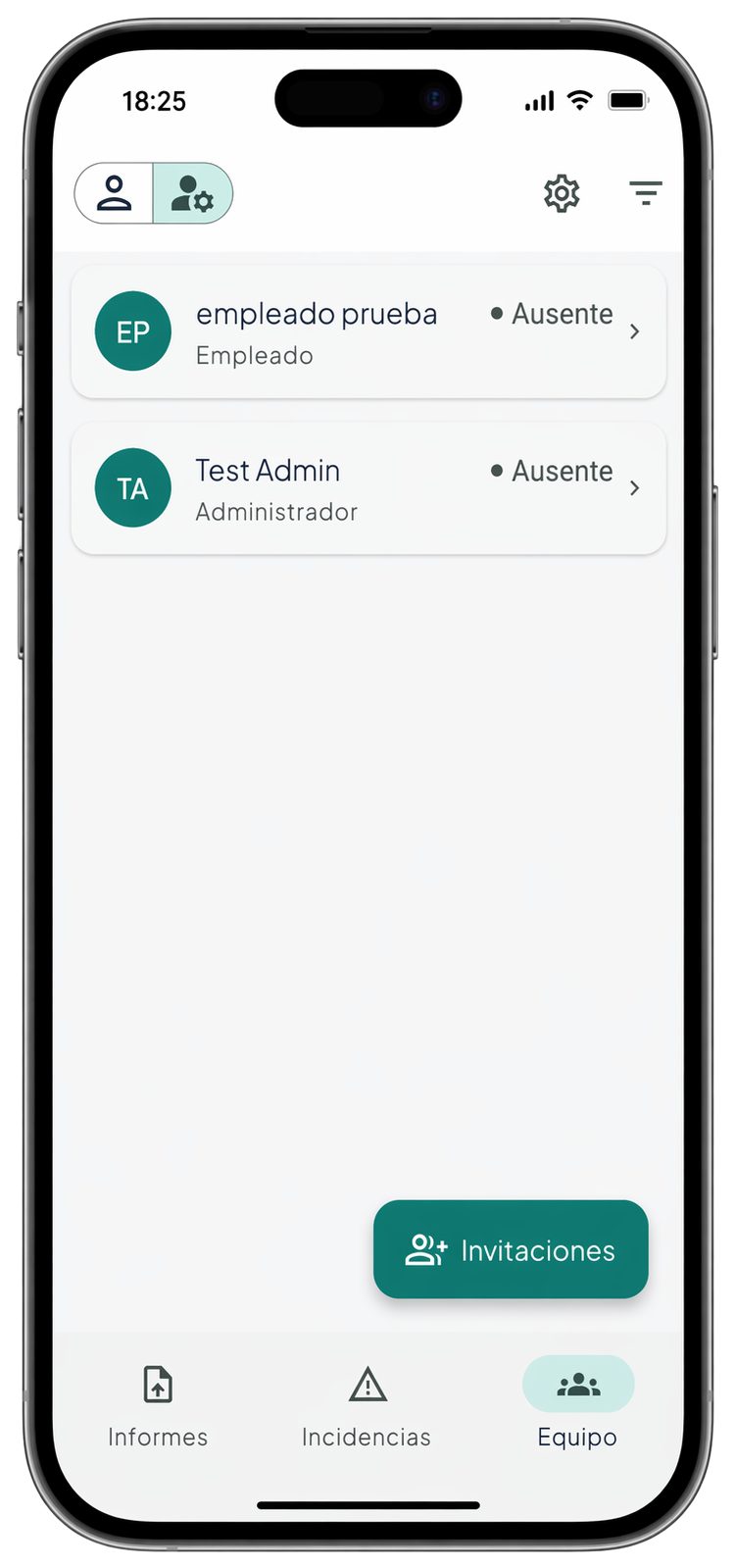
See who is working and the current status of every team member at a glance.
WorkTracker digitizes your team's working-time records — offline, paperless, with reports ready for any audit.
No card required · Ready in 5 min
RDL 8/2019 requires companies to track every employee's working hours. WorkTracker does it automatically, with auditable history and inspection-ready reports.
No network? No problem. Check-ins are stored on-device and synced automatically when connection is back — no duplicates, no lost records.
Approve corrections, see who's currently working in real time, and export period reports directly from the panel. No calls, no spreadsheets.
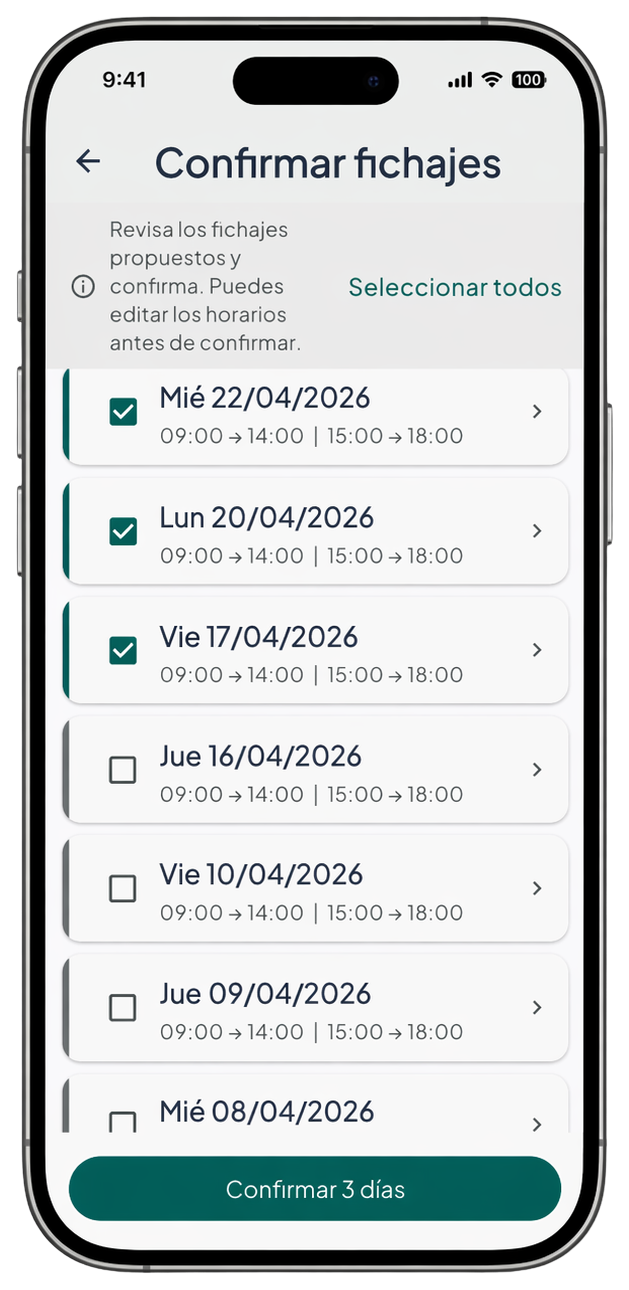
The company proposes. The employee confirms. Every step logged: who proposed it and who approved it.
No installation, no training. Your team can clock in today.
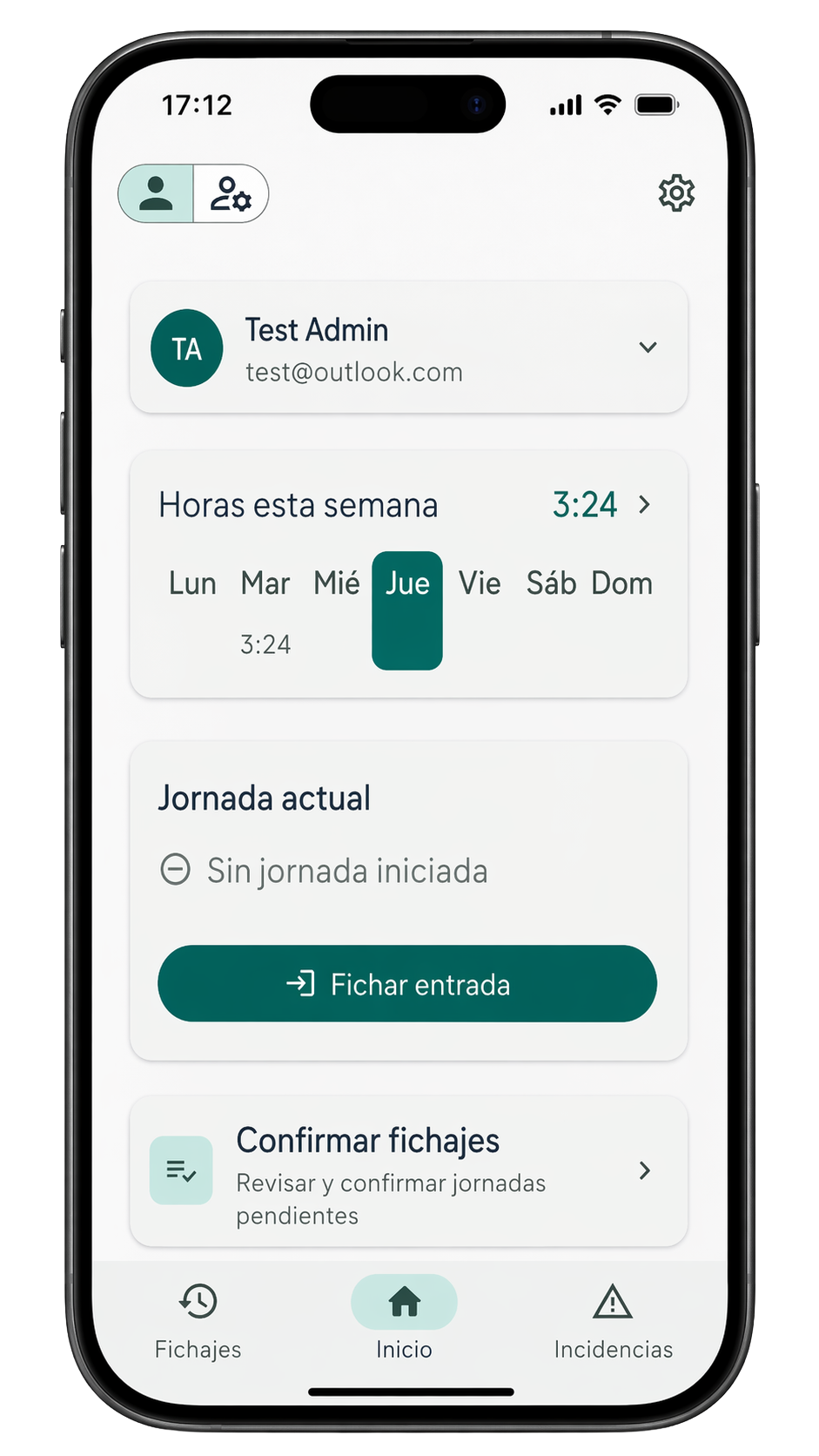
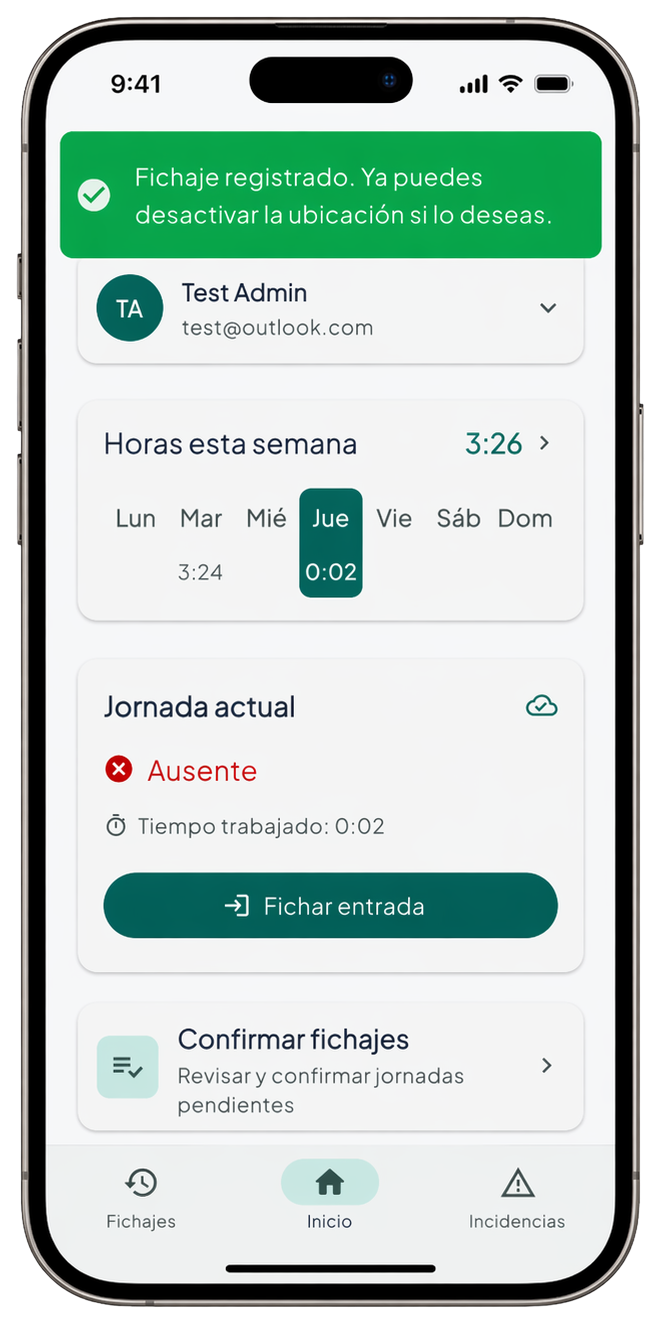
Entry or exit is detected automatically. No menus, no options. That's it.
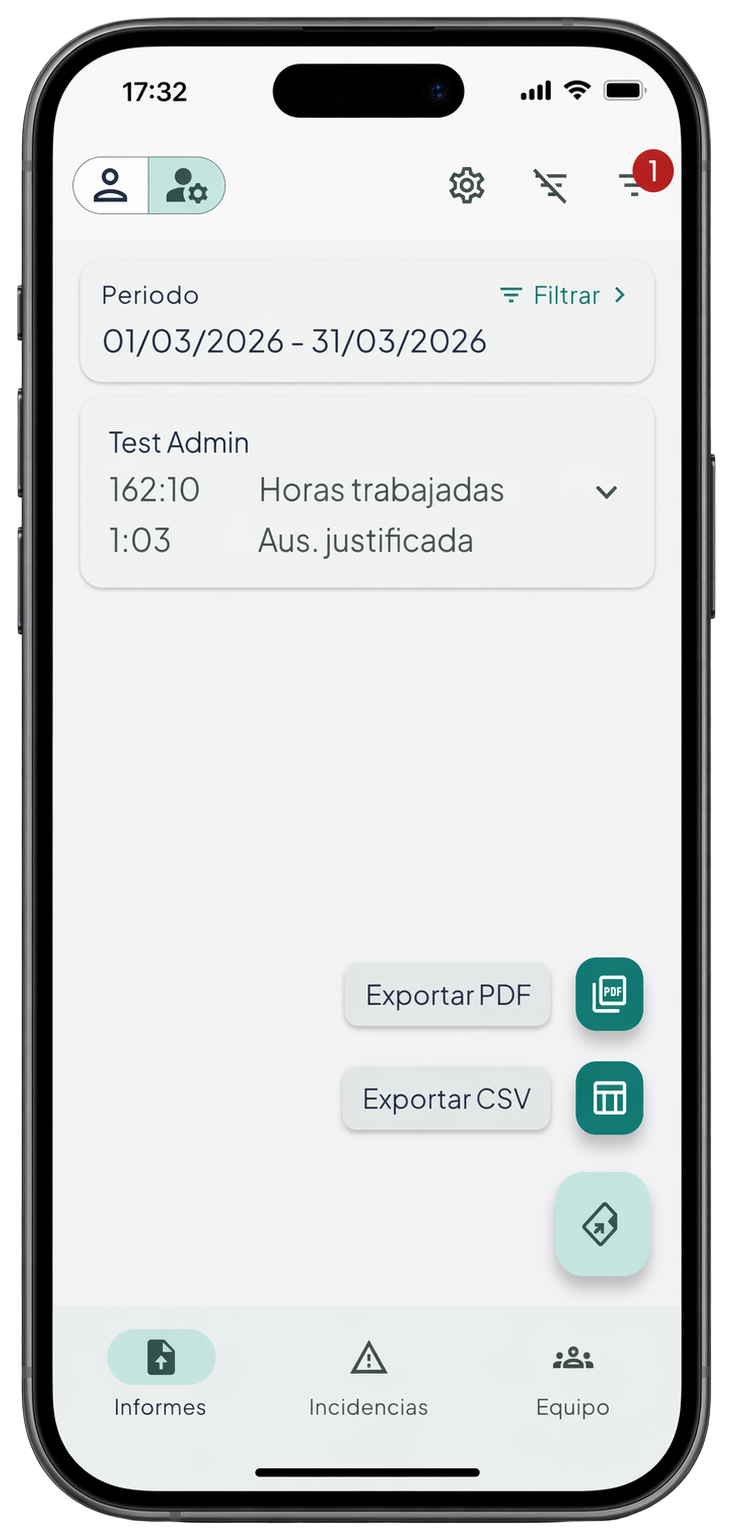
Export PDF and CSV with every field required by labor inspection. Company header, tax ID, daily ranges and totals.
Employees request corrections; the manager approves them. Immutable history of who changed what and why.
Employees log absences with an optional comment and photo. The manager reviews them from the dashboard.
When enabled by the company, every clock-in records the location. No extra setup needed for employees.
From first check-in to labor report, in three steps.
From the admin panel, monitor the team in real time, review incidents, and approve corrections when needed.
See who is working and the current status of every team member at a glance.
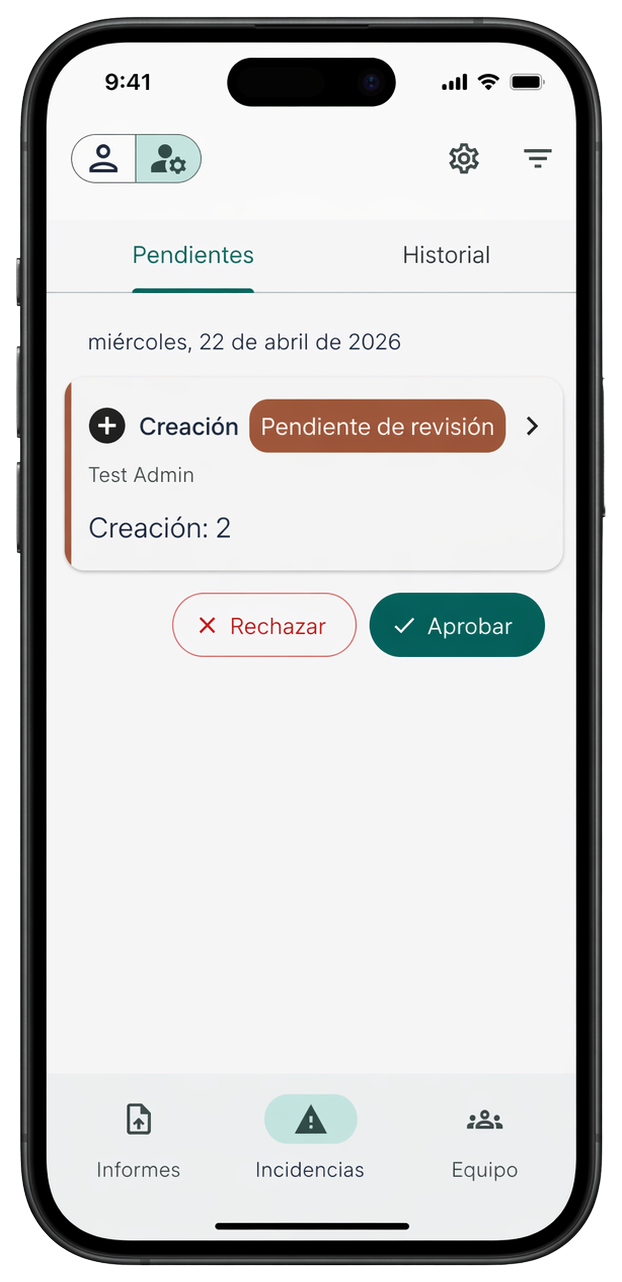
Review pending clock-in issues or anomalies and resolve them without spreadsheets.
At period end or during an inspection, generate PDF or CSV right away. All required labor inspection fields included.
Since 2019, all Spanish companies must keep employees' daily time records. WorkTracker is built to support that requirement: traceable records, immutable history, and exports with the fields required by labor inspection.
Mandatory since 2019 — RDL 8/2019
All companies with employees in Spain must record daily start and end of working hours. Non-compliance penalties: €751–7,500 per serious infringement (art. 7.5 LISOS).
Go paperless from day oneWorkTracker reads every clock-in in the official timezone of the employee's work center, never the phone's. Create a center for each physical location and group your remote team into shared centers by timezone. Reports and overtime come out right for everyone — whether you run one center or several across different zones.
The exact moment is recorded and can't be altered.
Traveling never throws anyone's records off: it counts the assigned center's official time.
Each physical or remote center has its own official time; remote teams are grouped by timezone.
Summer or winter, the shift is automatic — nothing for you to do.
Employees adjust nothing: they just see their assigned center and timezone.
Free beta access for the duration of the phase.
Get started free